SMTP Configuration (Email)#
i-doit automatically sends emails on certain events or status queries -- for example, for notifications or workflows.
Console
This configuration is mandatory if you use automated email notifications via the CLI with the Notifications or workflows. Without it, no emails will be sent!
The SMTP configuration can be found under Administration → Import and Interfaces → SMTP Configuration (Email).
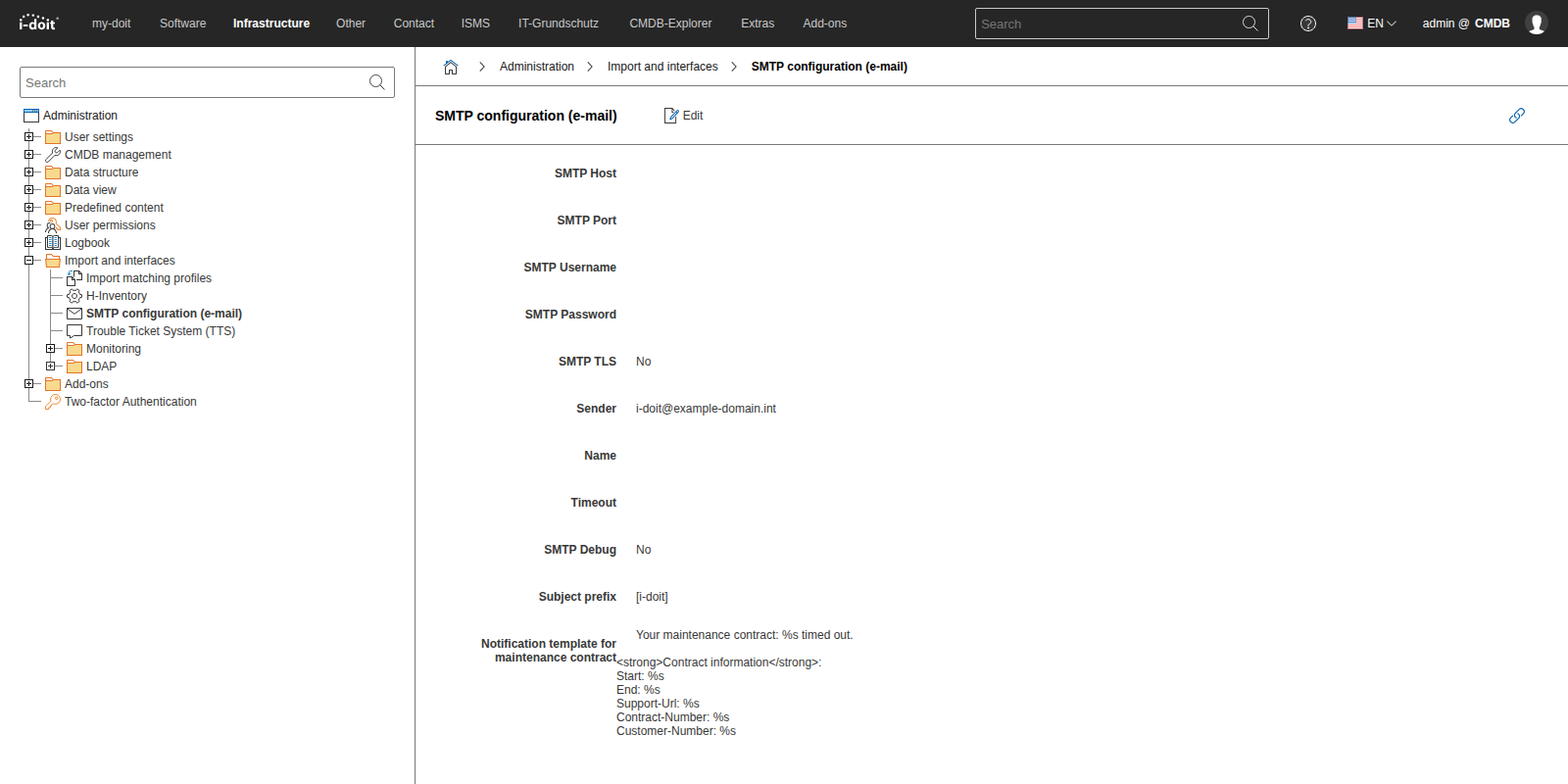
A configuration form with the following fields is available:
| Field | Description |
|---|---|
| SMTP Host | Specify the hostname or IP address of the mail server. |
| SMTP Port | Default port is 25. For encrypted connections or different configurations, the port must be changed accordingly. |
| SMTP Username | Specify the username |
| SMTP Password | Specify the password |
| Sender | Sender email address for mail delivery |
| Name | Sender name for mail delivery. |
| Timeout | Timeout for delivery |
| SMTP Debug | For initial configuration, it is often helpful to enable debugging. The log is stored in the log/ directory in the i-doit main directory.(Default: No) |
| Subject Prefix | Optionally entry to better support rule-based automation in email clients. |
| Notification template for maintenance contract | This template was used in a previous version and is no longer needed in current i-doit versions. In current versions, the template can be configured in the Notification system under Extras. |