SNMP#
With the SNMP category, you read SNMP values from objects in real time and display them in i-doit. This article shows the setup using the example of a switch.
This article was last verified for i-doit version 1.18.2
Prerequisites#
-
Install the SNMP module for PHP. On Debian:
1sudo apt-get install php-snmp -
Assign the SNMP category to the desired object type via Edit Data Structure (in this example: Router).
-
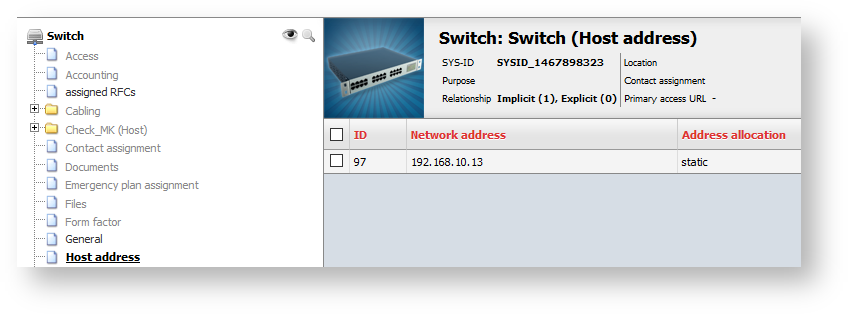
Ensure that a valid host address is documented in the corresponding category.
First test the SNMP connection via SSH on the server. Install the snmp package for the snmpwalk command and check reachability:
1 | |
Info
We will skip the details on SNMP and this command at this point. Information about OID .1.3.6.1.2.1.2.2.1.1 can be found, for example, here: http://www.oid-info.com/get/1.3.6.1.2.1.2.2.1
A successful result looks, for example, like this:
1 2 3 4 5 6 7 8 9 10 11 | |
The query shows 11 ports. If timeouts or other errors occur, check:
- Network connectivity to the device
- SNMP in the firewall rules
- Whether the SNMP server is running and the i-doit server has access
- Whether the selected SNMP community (here:
public) is correct
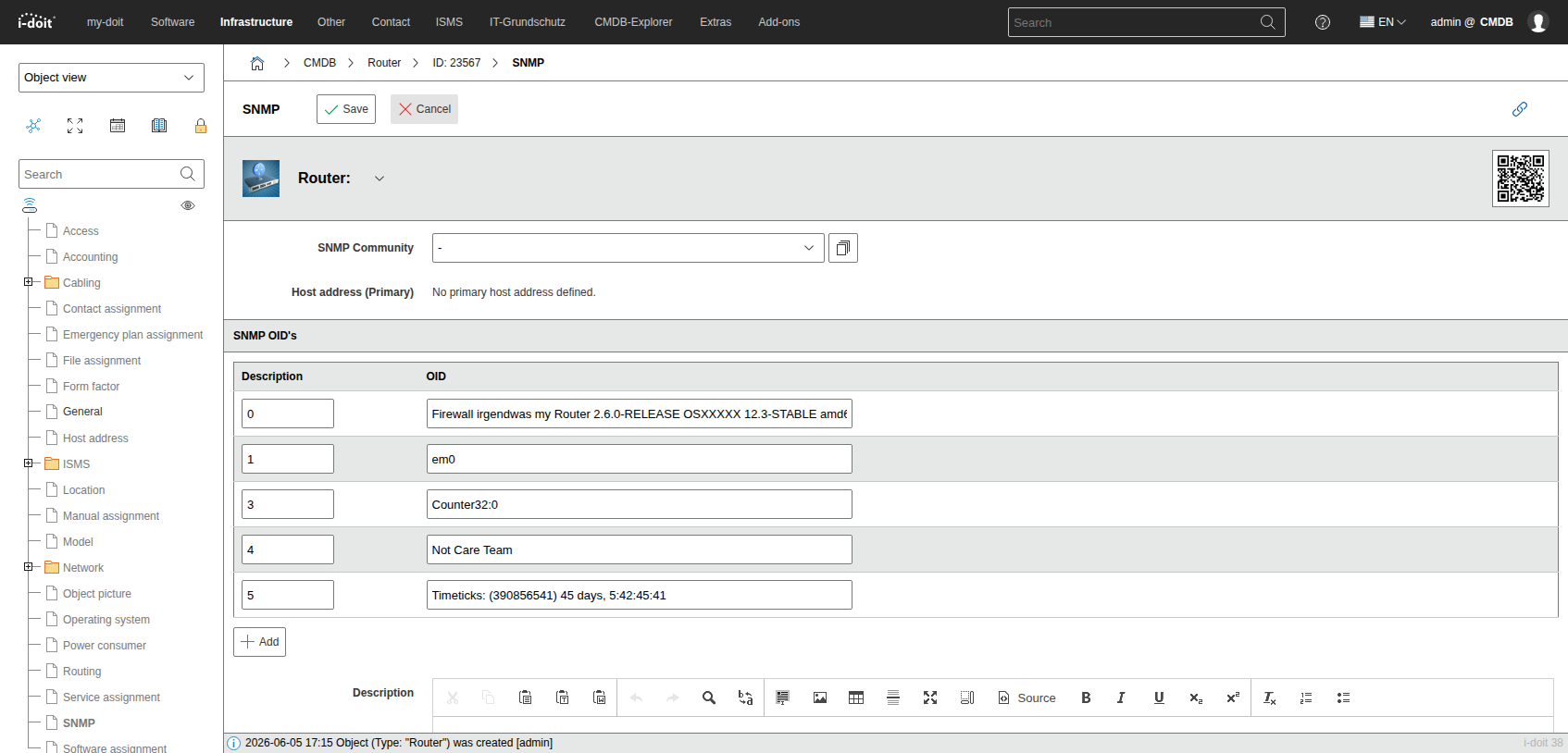
Now switch to the SNMP category in i-doit. There, i-doit automatically shows the primary IP address and the default community public.
For a practical example, use OID 1.3.6.1.2.1.2.2.1.1.14.x (erroneous packets per interface, where x is the interface index). Build a list with it:
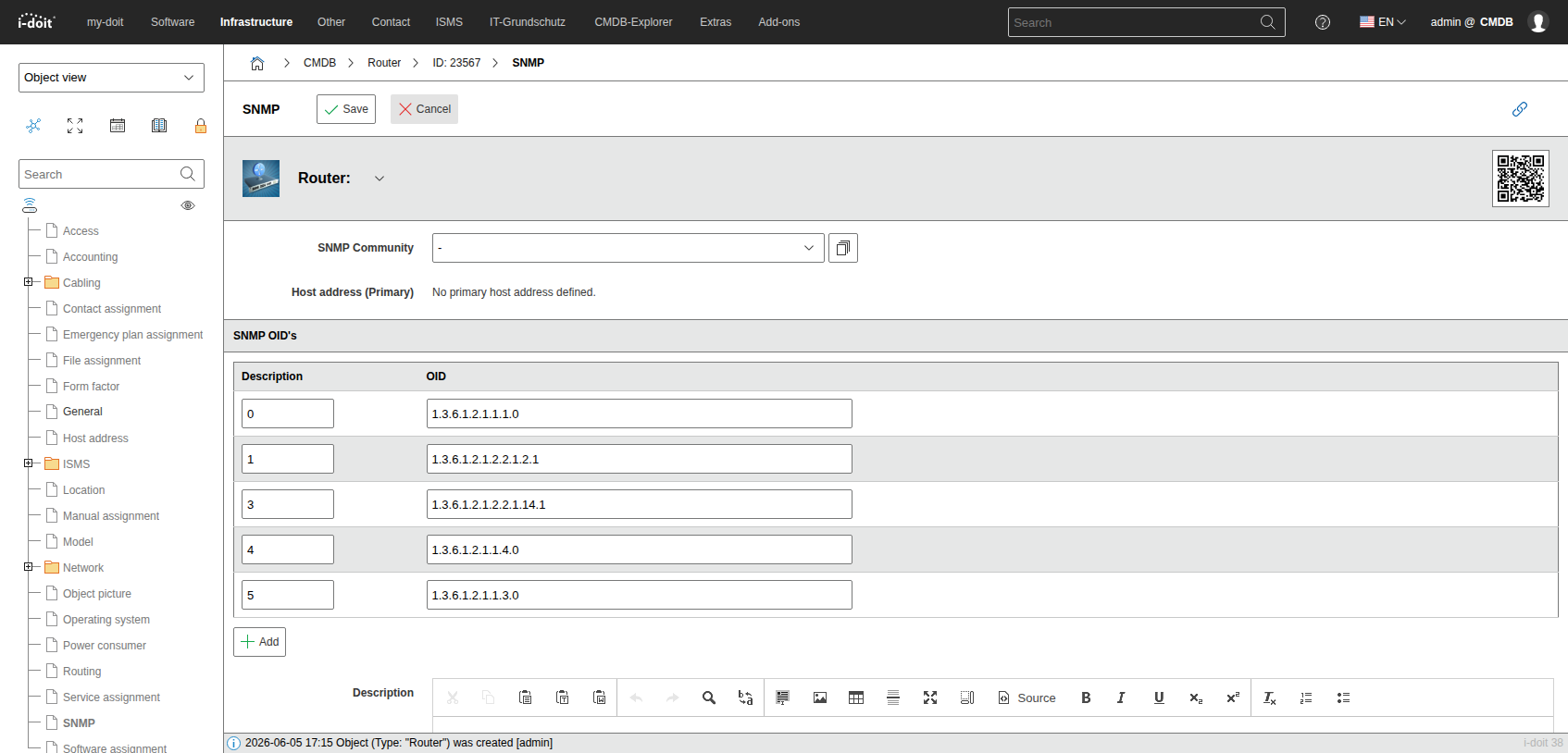
Save the category. On the next visit, i-doit reads the SNMP values in real time and displays them.
The following table lists useful OIDs to get started:
| OID URL | Description |
|---|---|
| http://oid-info.com/get/1.3.6.1.2.1.1.1 | "A textual description of the entity. This value should include the full name and version identification of the system's hardware type, software operating-system, and networking software." |
| http://oid-info.com/get/1.3.6.1.2.1.2.2.1.2 | "A textual string containing information about the interface. This string should include the name of the manufacturer, the product name and the version of the interface hardware/software." |
| http://oid-info.com/get/1.3.6.1.2.1.2.2.1.14 | "For packet-oriented interfaces, the number of inbound packets that contained errors preventing them from being deliverable to a higher-layer protocol. For character- oriented or fixed-length interfaces, the number of inbound transmission units that contained errors preventing them from being deliverable to a higher-layer protocol. Discontinuities in the value of this counter can occur at re-initialization of the management system, and at other times as indicated by the value of ifCounterDiscontinuityTime." |
| http://oid-info.com/get/1.3.6.1.2.1.1.4 | "The textual identification of the contact person for this managed node, together with information on how to contact this person. If no contact information is known, the value is the zero-length string." |
| http://oid-info.com/get/1.3.6.1.2.1.1.3 | "The time (in hundredths of a second) since the network management portion of the system was last re-initialized." |