Unique references#
Unique references allow you to unambiguously identify every object in the IT documentation -- whether within i-doit or for connecting to third-party systems. Various attributes are available for this purpose.
Data imports
To recognize already existing data, corresponding strategies exist for data imports. These mostly relate to the attributes mentioned below. Details can be found in the respective articles.
Object ID#
Every object in i-doit receives an identifier (ID). This is always unique per i-doit tenant. The ID is a positive number greater than 0 and can have up to 11 digits. It is automatically assigned by MySQL/MariaDB by incrementing the number by 1. A subsequent change of the ID by the user is not possible to avoid inconsistencies. Deleting objects (Purge) frees up IDs, but they cannot be reused.
The object ID is displayed in the category General as the attribute Object ID.

During i-doit setup, you can determine from which point object IDs are assigned. By default, counting starts at 1.
The object ID is highly significant in the generation of URIs. Objects can be uniquely accessed via a link using the ID. The variable name is objID. The naming schema:
https://demo.i-doit.com/?objID=9
Object IDs are primarily used for internal purposes, but can also be very useful for users or third-party systems. The IDs are essential, for example, for API access.
SYS-ID#
The SYS-ID (also SYSID without hyphen) is another identification feature, but is not reliably suitable for unique referencing in automated imports. When creating a new object, i-doit generates a positive number with at least 10 digits, derived from the UNIX timestamp. You can find it in the General category.

Per object type, you can specify a prefix that is prepended to the automatically generated number. You configure the prefix under Administration → Data structure → Object types → [Object type group] → [Object type] → SYSID prefix. Without specification, a SYS-ID begins with the prefix SYSID_. If you specify an alternative prefix, the generation changes: instead of the UNIX timestamp, i-doit uses the object ID.

By default, you cannot change the SYS-ID after creation. If you want to enable changes, activate this under Administration → [Tenant name] Administration → Settings for [Tenant name] → CMDB → SYS-ID readonly.
Object title#
Every object must have a title. This is documented as an attribute in the General category. This attribute is also synonymously called designation, name, object link.

Automatically assign object titles
Object titles can be assigned automatically. This is particularly helpful with templates: 1. Create a template 2. Use the available placeholders as the object title and save 3. Assign the template as default template to the object type 4. Create a new object; the object title is already filled in.
IP address#
Any number of IP addresses can be assigned per object. This is done in the Host address category. A category entry is created for each IP address.
IP addresses are not inherently unique. For example, the same addresses recur again and again in private network ranges (192.168.1.1 etc.). If Layer-3 networks with overlapping network ranges are documented in i-doit, objects with non-unique IP addresses frequently occur. Technologies like DHCP make it even harder to identify objects by dynamically assigned IP addresses. Therefore, this attribute is often not suitable for unique referencing.
Hostname and FQDN#
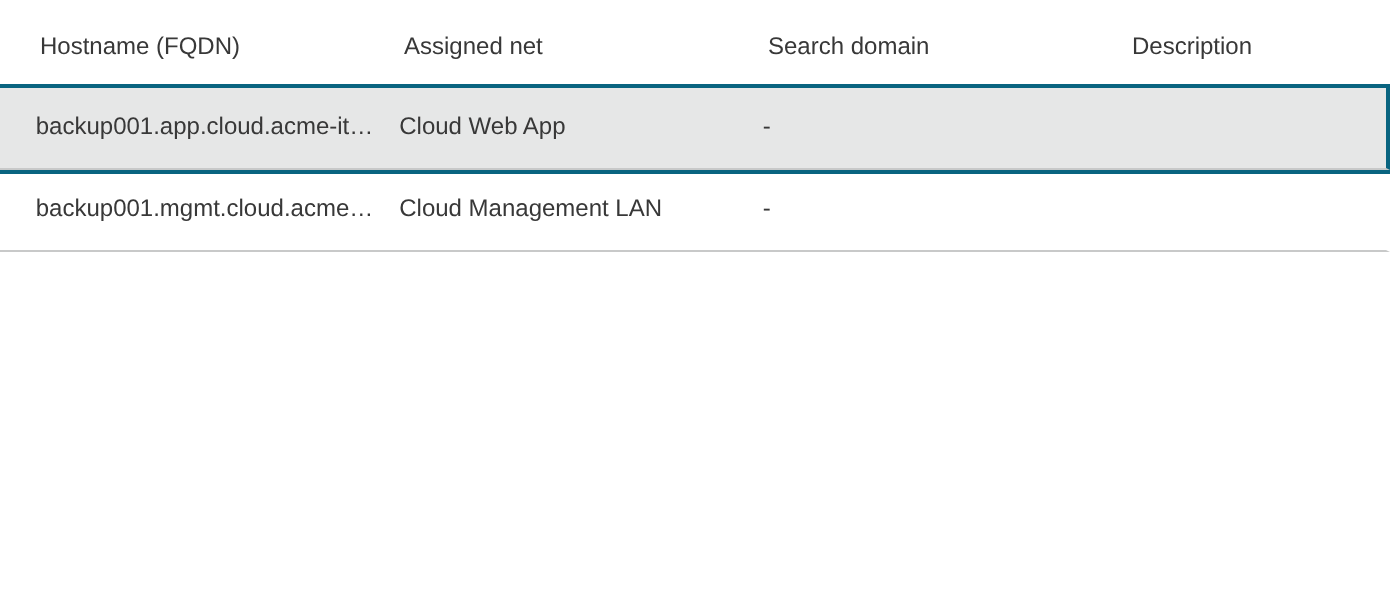
The hostname is assigned in the Host address category. Even though it is often uniquely assigned per device (e.g. server), any number of hostnames can be documented per object. Per hostname -- as with the IP address (see above) -- a category entry is created.
If the DNS Domain attribute is also specified per category entry, the Fully Qualified Domain Name (FQDN) is automatically derived from it. This should, similar to IP addresses, be unique, but can recur for various reasons. The FQDN is often equated with the object title. The use of hostname or FQDN for referencing should be carefully considered.
MAC address#
MAC addresses are generally unique worldwide because they are assigned by the manufacturers of network components. However, the risk of recurring MAC addresses is only theoretically very low. Due to the ever-growing virtualization and the associated self-modifiable MAC addresses, this attribute is also not always the best choice for unique referencing. In the Port (Network) category, any number of MAC addresses can be specified by entering a MAC address per port. For techniques such as bonding/trunking, the MAC address is documented in the Logical port (Network) category.

Inventory number#
The inventory number serves for cross-organizational inventorying (asset management). Each material asset receives a unique number. In i-doit, you document this in the Accounting category in the Inventory number attribute.
If you want to generate inventory numbers automatically, configure this under Administration → Data structure → Object types → [Object type group] → [Object type]. Various placeholders are available to create a naming schema per object type.

Labels
Inventory numbers can be ideally combined with QR codes to create a label. QR codes are generated per i-doit object. Such labels can be printed, for example, with the i-doit QR Code Printer.
Identifiers from third-party systems#
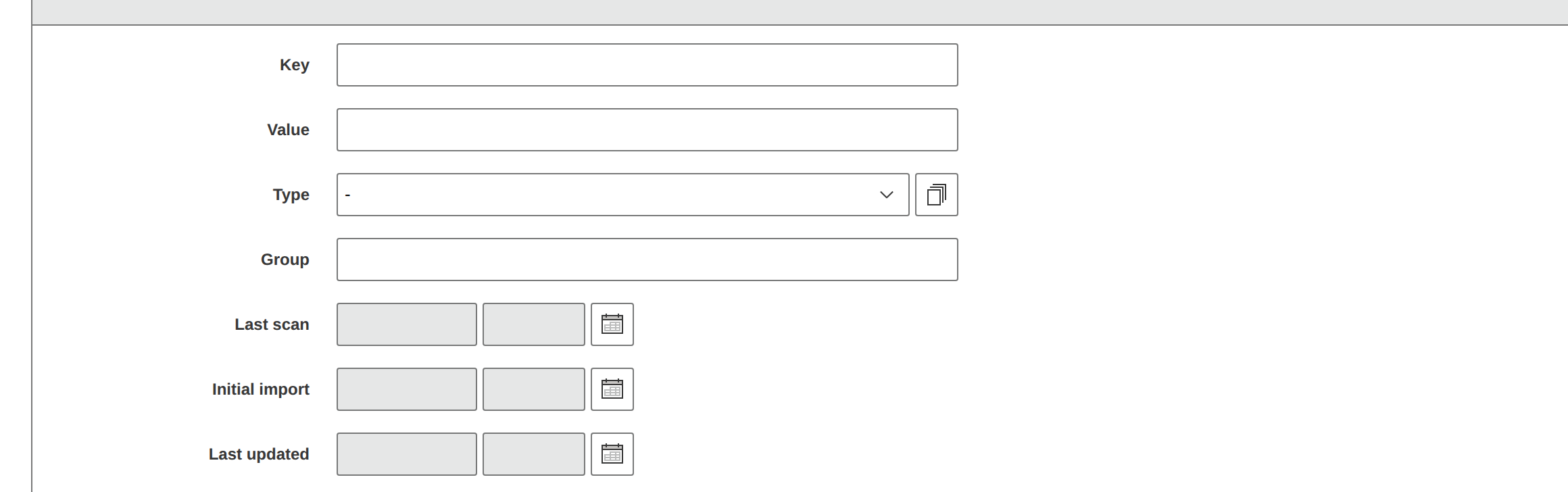
Data from third-party systems, for example from the areas of inventory/discovery, can be imported into i-doit. Such systems usually also have unique identifiers or similar. If these identifiers are imported, the Data Source category can be used. In this way, multiple systems in use can be coordinated so that objects can be uniquely referenced across all systems.
Constants#
i-doit works internally with constants to uniquely reference records. A constant consists of uppercase letters (A-Z) and underscores (_). Some objects from the standard installation already have constants assigned -- for example, the Persons object "admin" has the constant C__OBJ__PERSON_ADMIN.
In the Web GUI, you can neither view nor edit these constants. Access is via SQL on the database. Each tenant has a separate database with the table isys_obj, where all objects are stored. The column for the constant is called isys_obj__const.
Database manipulation
Manipulations of the database endanger the functionality of i-doit. Therefore, we cannot provide warranty for errors attributable to independent manipulations. Every activity should therefore be carefully considered and, if necessary, coordinated with us.
Additional uniqueness#
- Attributes can be defined as unique globally, per object type or (for list categories) per object. Multiple occurrences are flagged by i-doit when saving.
- If the above-mentioned attributes are not sufficient, additional ones can be created.